Questo post del blog risale a 6 anni fa e potrebbe non essere aggiornato.
New Android beta (2020.5-beta1) reduces crashes
Using Mullvad VPN for Android? Update to the latest beta version for a more stable experience.
What’s new in this version
Fewer crashes
We fixed a number of crashes that users have been experiencing.
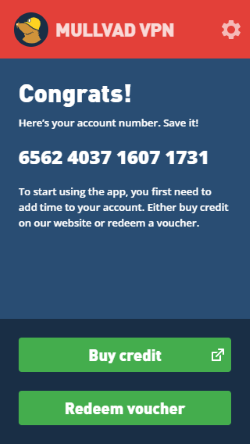
Create new account in the app
Need a new account number? You can now create one directly in the app. On the login screen, click Create account and a number will automatically be generated.
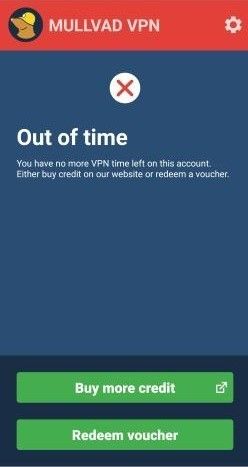
Know when you’re out of time
When your account has no more VPN time, the app will clearly let you know with the new Out of time screen. From here you can buy more credit on our website or redeem a voucher directly in the app.
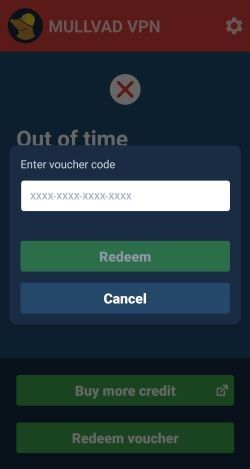
Redeem voucher in the app
Now you can redeem a voucher or activation code in the app. The Redeem voucher button is available once you’ve created a new account and when you run out of time.
Other changes
- To prevent WireGuard keys from being removed when the system cache is cleared, we changed the location of where account details are stored on the device.
Download the app
Download Mullvad VPN on Google Play.